Rider Support

Welcome to DeliGo Rider Support — your go-to place for all delivery rider questions, app help, and earning guidance.

We’re here to help our Riders

Whether you're new to DeliGo or an experienced rider, our support team and self-help guides are here to make your job easier. Learn about onboarding, deliveries, payments, and safety.

Contact Support
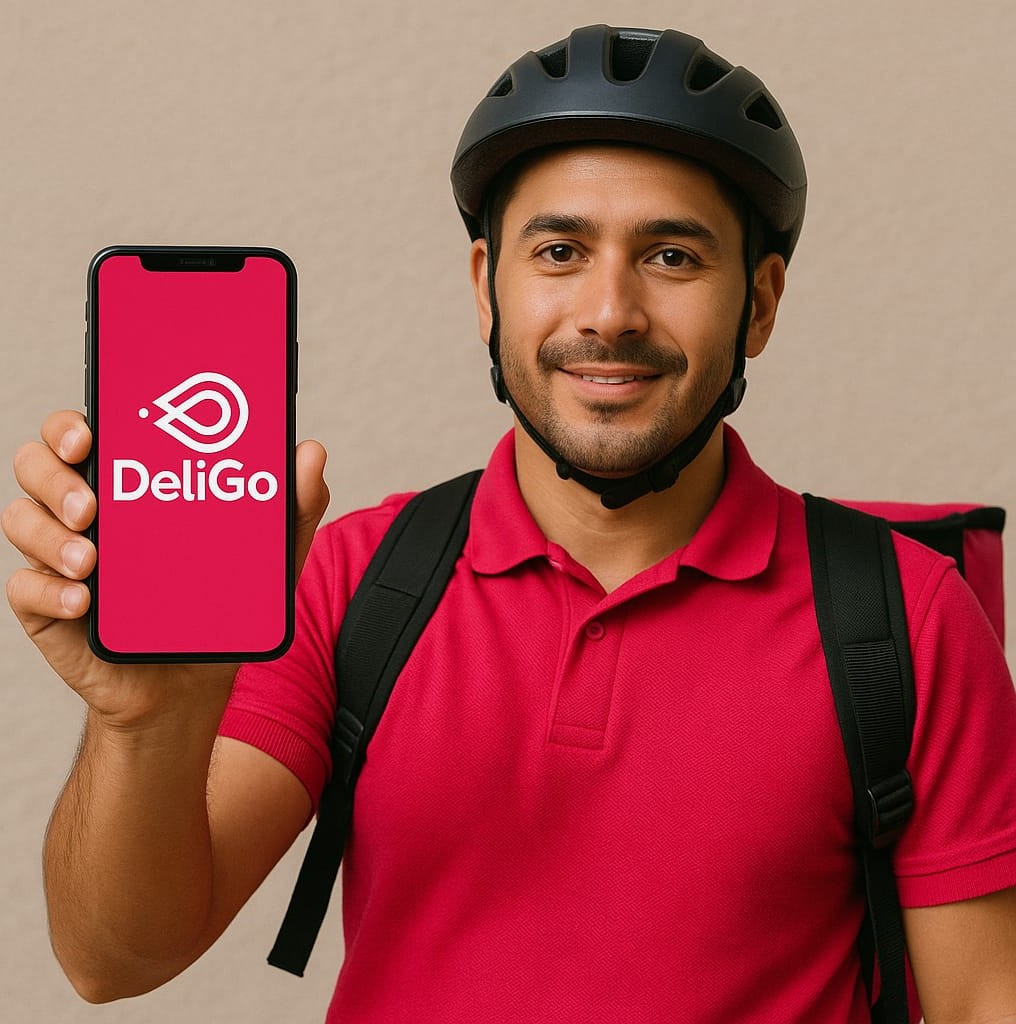
Rider Onboarding

Getting Started as a DeliGo Rider

Follow these simple steps to start delivering with DeliGo:

  • Download the DeliGo Rider App from Google Play or App Store.
  • Complete your registration with ID, driver’s license, and vehicle documents.
  • Attend your short onboarding session (in person or online).
  • Start accepting delivery requests and earning instantly.
Rider Delivery Help

Delivery Help

Have a delivery issue? Here’s how to handle common situations while on the road:
  • If an item is missing or damaged, contact the restaurant or customer via the app.
  • Always use in-app navigation for optimized routes.
  • Mark deliveries as completed only after customer confirmation.
  • If a customer is unreachable, wait 10 minutes and report via app support.
Rider Payments and Earnings

Payments & Earnings

Track your income easily in the Rider App under “Earnings”.

  • Payouts are made weekly to your registered bank account.
  • Bonuses and incentives appear in your “Promotions” section.
  • If a payment is delayed, check the “Payment History” tab or contact support.
  • Tips received through the app are 100% yours.
Rider Safety

Safety & Guidelines

We prioritize your safety while you deliver. Please remember to:

  • Always wear your helmet and DeliGo uniform while on duty.
  • Follow local traffic rules and speed limits.
  • Keep your app online only when ready to accept orders.
  • Report unsafe situations immediately through in-app emergency support.

Frequently Asked Questions

Rider payments are processed every Monday and usually arrive within 1–2 business days, depending on your bank.

Go to the Rider App → Profile → Account Details to update your payment method or vehicle information.

Ensure your GPS and internet connection are active, and that you’re within an active delivery zone. If the issue continues, contact our support team for assistance.

Need more help?

Our Rider Support team is available 7 days a week to assist you with any issues or questions.

Email: support@deligo.pt

Phone: +351 920 136 680 (Mon–Sun, 9:00–22:00)

App Support: Open the DeliGo app → Menu → Help & Support

Back to Support Center